


What is the touch gesture support of an HMI touch screen?
Nov 18, 2025
Leave a message
In the realm of industrial automation and modern technology, Human - Machine Interfaces (HMIs) have become an integral part of various systems. Among the key features of an HMI touch screen is its touch gesture support, which significantly enhances user interaction and operational efficiency. As an HMI touch screen supplier, I am well - versed in the nuances of touch gesture support and its importance in different applications.
Understanding Touch Gesture Support
Touch gesture support refers to the ability of an HMI touch screen to recognize and respond to specific physical movements made by the user on the screen. These gestures can range from simple single - finger taps to more complex multi - finger actions. The most basic touch gesture is the tap, which is equivalent to a mouse click on a traditional computer interface. A quick tap on the screen can be used to select an item, open a menu, or trigger a specific function. For example, in an industrial control system, a tap on a virtual button on the HMI touch screen can start or stop a machine.
Another common gesture is the swipe. Swiping involves moving a finger across the screen in a particular direction, such as left, right, up, or down. Swiping is often used for scrolling through lists, accessing different pages, or zooming in and out on a graphical display. In an HMI used for monitoring a large - scale industrial process, swiping can be used to view different sections of a complex process flow diagram.
Pinch and spread gestures are also important. Pinching involves bringing two fingers closer together on the screen, which is typically used to zoom out. Conversely, spreading two fingers apart on the screen is used to zoom in. These gestures are extremely useful when dealing with detailed graphical representations, such as in a CAD - based HMI for machine design or in a process visualization system where zooming in on specific components is necessary.
Long - press gestures are another type of touch gesture support. A long - press, where a finger is held on the screen for a few seconds, can be used to access additional options or context - sensitive menus. For instance, in an HMI for a vehicle dashboard, a long - press on a particular icon might bring up a settings menu for that function.
Benefits of Touch Gesture Support in HMIs
The incorporation of touch gesture support in HMIs offers numerous benefits. Firstly, it provides a more intuitive and natural way of interacting with the system. In comparison to traditional input methods like keyboards and mice, touch gestures are more in line with how humans naturally interact with physical objects. This reduces the learning curve for users, especially those who are not highly tech - savvy. For industrial workers who may not have extensive computer training, using touch gestures on an HMI is much easier to understand and operate.
Secondly, touch gesture support can improve operational efficiency. With the ability to perform multiple actions quickly through gestures, tasks can be completed more rapidly. For example, instead of using a series of button presses or menu selections to zoom in on a process diagram, a simple pinch or spread gesture can achieve the same result in a fraction of the time. This is crucial in industrial settings where time is of the essence, and quick decision - making is required.
Moreover, touch gesture support enhances the user experience. A well - designed HMI with smooth and responsive touch gesture support can make the interaction more enjoyable and engaging. This can lead to increased user satisfaction and productivity. In a consumer - facing application, such as a kiosk HMI, a positive user experience can encourage repeat usage and customer loyalty.
Different Types of HMI Touch Screens and Their Touch Gesture Capabilities
There are several types of HMI touch screens available in the market, each with its own touch gesture capabilities. Resistive touch screens are one of the oldest and most common types. They work by detecting pressure on the screen. Resistive touch screens can support single - finger gestures such as taps, swipes, and long - presses. However, they generally have limited support for multi - finger gestures due to their design.
Capacitive touch screens, on the other hand, are more advanced. They detect changes in electrical capacitance when a conductive object, such as a finger, comes into contact with the screen. Capacitive touch screens are capable of supporting a wide range of multi - finger gestures, including pinch, spread, and multi - finger swipes. This makes them ideal for applications where complex interactions are required, such as in high - end industrial control systems or modern consumer electronics.
Surface acoustic wave (SAW) touch screens use ultrasonic waves to detect touch. They can also support a variety of touch gestures, similar to capacitive touch screens. However, they are more sensitive to environmental factors such as dust and moisture, which can affect their performance.
Examples of HMIs with Excellent Touch Gesture Support
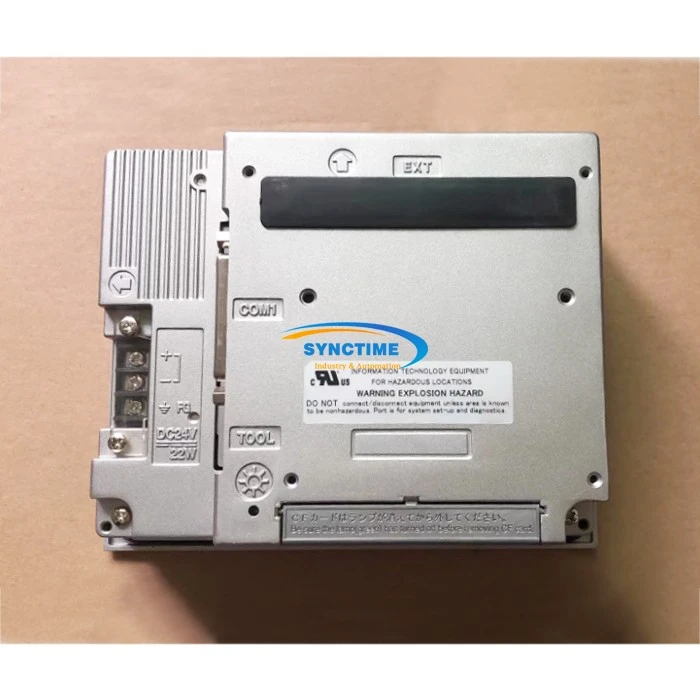
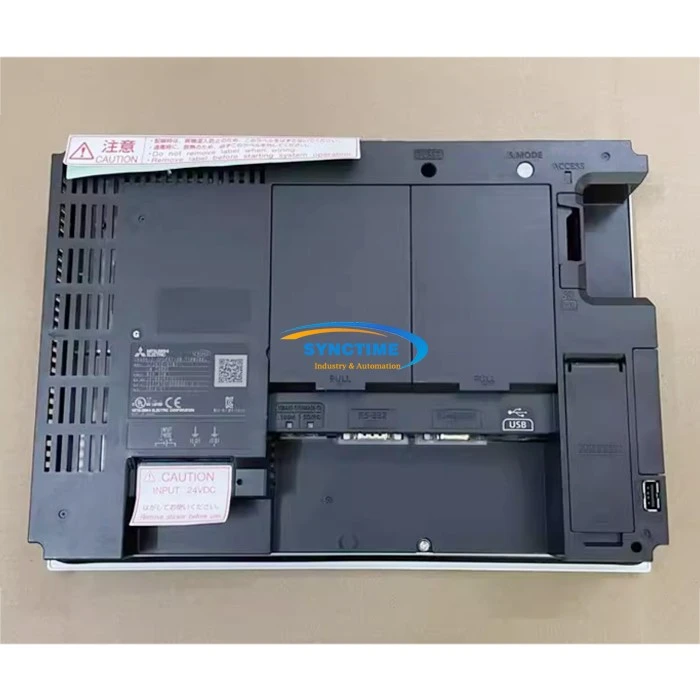
As an HMI touch screen supplier, I can recommend several products that offer great touch gesture support. The GP2301 - TC41 - 24V GP2300 - TC41 - 24V HMI is a high - quality HMI that features a capacitive touch screen. It provides smooth and responsive touch gesture support, allowing users to perform a wide range of actions with ease. Whether it's zooming in on a detailed process chart or swiping through different control panels, this HMI can handle it all.
The 6AV2123 - 2GB03 - 0AX0 KTP700 HMI BASIC PANEL is another excellent option. It offers a user - friendly interface with well - implemented touch gesture support. The touch screen on this HMI is highly responsive, and the gestures are accurately recognized, making it suitable for both industrial and commercial applications.
The GT2510 - VTWD Features Human - Machine Interfaces also stands out in terms of touch gesture support. With its advanced touch technology, it can support complex multi - finger gestures, providing a seamless and efficient user experience.
Considerations When Choosing an HMI with Touch Gesture Support
When selecting an HMI with touch gesture support, there are several factors to consider. Firstly, the intended application is crucial. If the HMI will be used in a harsh industrial environment, a rugged touch screen with good resistance to dust, moisture, and physical damage is required. Capacitive touch screens may need additional protection in such environments, while resistive touch screens may be more suitable due to their robustness.
Secondly, the size and resolution of the touch screen are important. A larger screen may provide more space for displaying complex information and performing gestures, but it also requires more power and may be more expensive. The resolution affects the clarity of the display and the accuracy of touch gesture recognition. A higher - resolution screen can provide a better user experience, especially when dealing with detailed graphics.
The software compatibility of the HMI is also a key consideration. The touch gesture support should work seamlessly with the operating system and the application software. Some HMIs may have limitations in terms of the types of gestures they can support depending on the software they are running.
Conclusion
Touch gesture support is a vital feature of modern HMI touch screens. It offers a more intuitive, efficient, and engaging way of interacting with industrial and consumer systems. As an HMI touch screen supplier, I understand the importance of providing high - quality products with excellent touch gesture support. Whether you are looking for an HMI for a small - scale industrial project or a large - scale automation system, choosing the right touch screen with appropriate gesture capabilities is essential.
If you are interested in purchasing HMIs with top - notch touch gesture support, I encourage you to reach out for a detailed discussion. We can work together to find the best solution that meets your specific requirements.
References
- "Human - Machine Interface Design Handbook" by John V. Pyzdek
- "Industrial Automation: A Practical Guide" by Andrew Brown
- Technical documentation of various HMI touch screen manufacturers.
Send Inquiry