


How to calibrate IL5004?
Oct 17, 2025
Leave a message
As a supplier of the IL5004 Inductive Sensor, I understand the importance of proper calibration to ensure optimal performance. In this blog post, I'll guide you through the process of calibrating the IL5004, sharing insights and tips based on my experience in the field.
Understanding the IL5004 Inductive Sensor
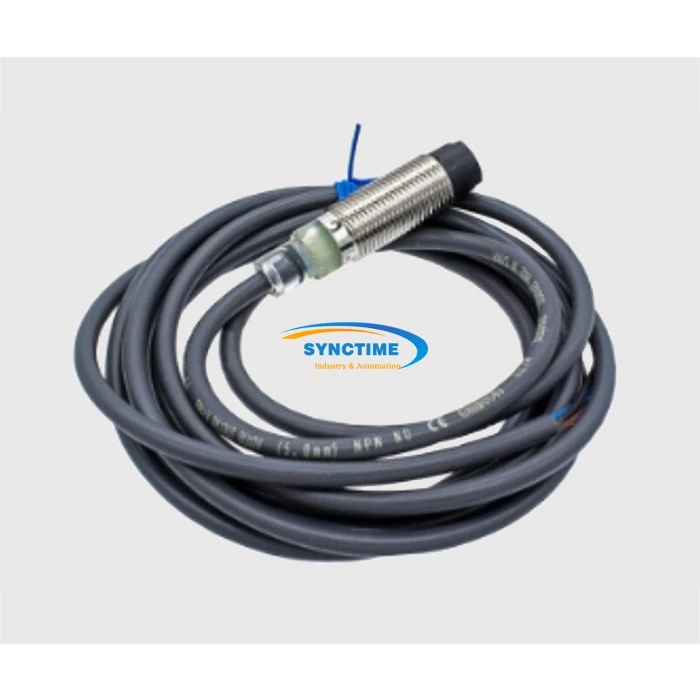
Before diving into the calibration process, it's essential to have a basic understanding of the IL5004 Inductive Sensor. The IL5004 Inductive Sensor is a reliable and widely used device in industrial applications. It detects the presence or absence of metallic objects without physical contact, making it ideal for various automation tasks.
The sensor operates based on the principle of electromagnetic induction. When a metallic object approaches the sensor's sensing surface, it disrupts the electromagnetic field generated by the sensor, causing a change in the output signal. This change is then detected and processed to indicate the presence or absence of the object.
Why Calibration is Necessary
Calibration is a crucial step in ensuring the accuracy and reliability of the IL5004 Inductive Sensor. Over time, factors such as temperature changes, mechanical vibrations, and electrical interference can affect the sensor's performance. Calibration helps to compensate for these factors and ensures that the sensor provides consistent and accurate readings.
Proper calibration also helps to extend the lifespan of the sensor by reducing wear and tear. By ensuring that the sensor is operating within its specified parameters, you can minimize the risk of premature failure and costly downtime.
Preparing for Calibration
Before you begin the calibration process, it's important to prepare the necessary tools and equipment. You'll need a calibration target, which is a metallic object of a known size and shape. The calibration target should be made of the same material as the objects you'll be detecting with the sensor.
You'll also need a multimeter or other measuring device to measure the sensor's output signal. Make sure the measuring device is calibrated and accurate.
In addition, you'll need to ensure that the sensor is installed correctly and that the sensing surface is clean and free of debris. Any dirt or debris on the sensing surface can affect the sensor's performance and make calibration more difficult.
Calibration Process
The calibration process for the IL5004 Inductive Sensor typically involves the following steps:
Step 1: Set the Sensor to its Initial Position
Place the calibration target at a known distance from the sensor's sensing surface. The distance should be within the sensor's specified operating range.
Step 2: Measure the Sensor's Output Signal
Use the multimeter or other measuring device to measure the sensor's output signal. The output signal should be within the sensor's specified range.
Step 3: Adjust the Sensor's Sensitivity
If the output signal is not within the specified range, you'll need to adjust the sensor's sensitivity. Most IL5004 sensors have a sensitivity adjustment potentiometer that can be used to increase or decrease the sensor's sensitivity.
Turn the potentiometer clockwise to increase the sensitivity or counterclockwise to decrease the sensitivity. Make small adjustments and re-measure the output signal after each adjustment until the signal is within the specified range.
Step 4: Repeat the Process
Once you've adjusted the sensor's sensitivity, repeat the calibration process with the calibration target at different distances from the sensor's sensing surface. This will help to ensure that the sensor is providing accurate readings across its entire operating range.
Step 5: Verify the Calibration
After you've completed the calibration process, verify the calibration by testing the sensor with the calibration target and other metallic objects. The sensor should provide consistent and accurate readings for all objects within its specified operating range.
Troubleshooting
If you encounter any problems during the calibration process, there are a few things you can try:
- Check the Connections: Make sure all the connections between the sensor, the power supply, and the measuring device are secure. Loose connections can cause inaccurate readings.
- Clean the Sensing Surface: If the sensing surface is dirty or contaminated, clean it with a soft, dry cloth. Any dirt or debris on the sensing surface can affect the sensor's performance.
- Check the Calibration Target: Make sure the calibration target is made of the same material as the objects you'll be detecting with the sensor. Using the wrong calibration target can cause inaccurate readings.
- Contact Technical Support: If you're still having problems after trying these troubleshooting steps, contact the technical support team for the IL5004 Inductive Sensor. They can provide additional assistance and guidance.
Conclusion
Calibrating the IL5004 Inductive Sensor is a relatively simple process that can have a significant impact on the accuracy and reliability of the sensor. By following the steps outlined in this blog post, you can ensure that your sensor is providing consistent and accurate readings and that it's operating at its best.
If you have any questions or need further assistance with calibrating the IL5004 Inductive Sensor, please don't hesitate to contact us. We're here to help you get the most out of your sensor and to ensure that your industrial processes run smoothly and efficiently.
Related Sensors
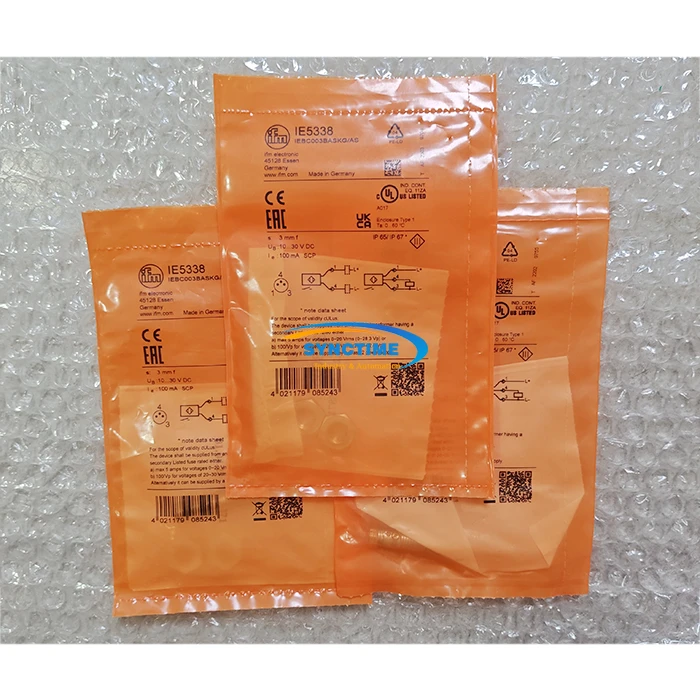
In addition to the IL5004 Inductive Sensor, we also offer a wide range of other sensors for industrial applications. Two popular sensors that you may be interested in are the IE5338 Sensor and the E2B-M12KN08-WZ-B1 Sensor. These sensors are known for their accuracy, reliability, and durability, and they can be used in a variety of applications.
Contact Us for Procurement
If you're interested in purchasing the IL5004 Inductive Sensor or any of our other sensors, please contact us to discuss your requirements. Our team of experts will be happy to assist you in selecting the right sensor for your application and to provide you with a competitive quote.
References
- Manufacturer's documentation for the IL5004 Inductive Sensor
- Industry standards and best practices for sensor calibration
Send Inquiry